The best pet cameras with two-way audio are the ones that let you see clearly, hear reliably, and speak to your pet without creating a complicated setup. For most homes, choose a camera with a stable app, clear night vision, a useful viewing angle, and two-way talk that works naturally from your phone.
A pet camera can help you check whether your dog has settled after you leave, monitor a cat’s routine, or notice a problem before you return home. It is not a replacement for supervision, veterinary care, or a secure environment, but it can give you useful information when you are away.
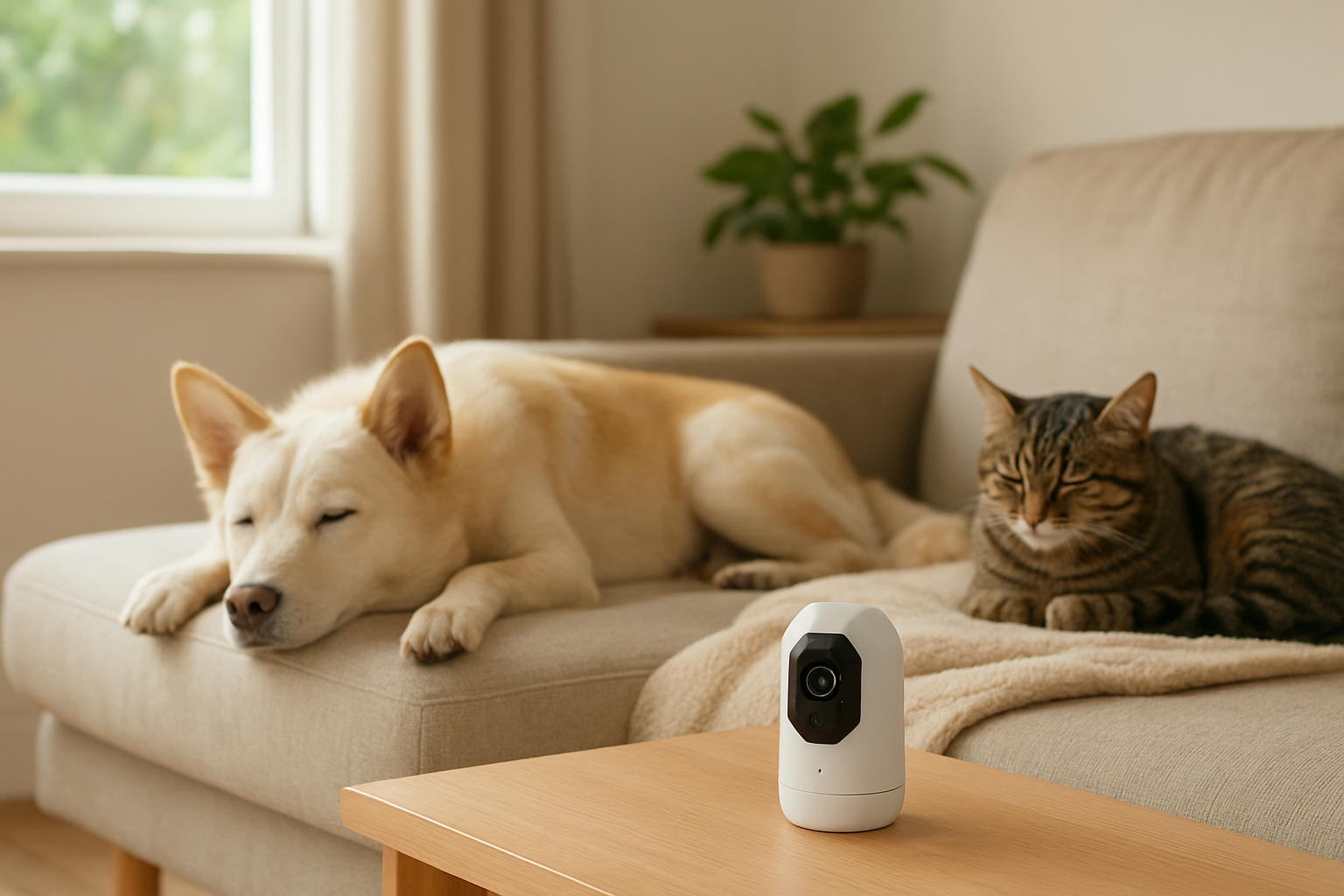
1. Decide what you need the camera to do
Start with the situation rather than the feature list. A camera for a quiet cat in one room has different priorities from a camera for a dog that moves between rooms or becomes distressed when alone.
- Basic check-ins: A fixed indoor camera is usually enough if your pet stays in one area.
- Wide-room coverage: Pan-and-tilt movement can reduce blind spots when your pet moves around.
- Conversation: Look for full-duplex two-way audio, which allows both sides to hear at the same time. Some simpler cameras make you press and hold a button to speak.
- Privacy: Consider local recording, a physical lens cover, account security, and whether cloud storage is optional or required.
- Enrichment: Treat dispensers or laser features may be useful for some pets, but they add moving parts and should not be treated as exercise or care.
If you are monitoring a senior pet, combine camera use with a consistent home routine. Our guide to building a daily routine for a senior cat offers useful context for observing meals, rest, and activity.
2. Compare the main types of pet cameras
The ranking below is organized by use case rather than by unverified brand claims or ratings. These are practical categories to help you shortlist models while shopping; exact performance depends on the individual product, network, room, and app.
Quick picks:
- Best overall for most homes: A reliable pan-and-tilt indoor camera with clear two-way audio.
- Best for simple monitoring: A fixed camera with a wide lens and strong night vision.
- Best for privacy-conscious households: A camera with local storage and a physical privacy shutter.
- Best for multi-pet homes: A wide-view or pan-and-tilt camera placed where feeding and resting areas are visible.
- Best for calm treat-motivated pets: A treat camera with an adjustable dispenser and easy-to-clean food path.
Use the table as a screening tool, then check the product’s current specifications and app requirements before buying.
Comparison of the best pet camera types with two-way audio
| Rank | Type | Best for | What to look for | Warning sign |
|---|---|---|---|---|
| 1 | Pan-and-tilt indoor camera | Most homes and active pets | Quiet movement, wide viewing range, stable audio | Slow controls or frequent app disconnections |
| 2 | Fixed wide-angle camera | Simple room monitoring | Clear image, night vision, easy mounting | Large areas hidden outside the lens |
| 3 | Privacy-focused camera | Bedrooms, offices, and privacy-sensitive homes | Local storage, encryption information, physical shutter | Cloud access is mandatory for basic use |
| 4 | Multi-camera system | Large homes or several pet areas | One app, clear device naming, manageable notifications | Separate subscriptions or confusing controls |
| 5 | Treat-dispensing camera | Calm, food-motivated pets | Adjustable portion size, easy cleaning, reliable jam prevention | Pet becomes frantic or guards the device |
| 6 | Compact travel camera | Temporary stays and rented homes | Simple setup, flexible power, secure mounting | Unstable placement or weak low-light performance |
| 7 | Outdoor-capable camera | Covered patios or outdoor enclosures | Weather suitability, safe power, strong night view | Indoor-only housing or exposed cables |
3. The ranked shortlist by practical use
1. Pan-and-tilt indoor camera — Best overall
This is the most flexible choice for many households because it can follow movement across a room without requiring multiple fixed cameras. It is particularly useful when a dog moves between a bed, water bowl, and doorway, or when a cat uses more than one level of a room.
Prioritize smooth controls, a stable base, and audio that does not produce a loud echo. Pan-and-tilt is less useful if the camera resets to an unhelpful position or makes mechanical noises that worry your pet.
2. Fixed wide-angle camera — Best for straightforward check-ins
A fixed camera has fewer moving parts and is often easier to position. It works well when you only need to view a crate, bed, feeding station, or small room.
Its limitation is coverage. Before buying, stand where the camera will go and check whether furniture, doorways, or low resting places fall outside the view. A wider image can also make a pet appear smaller, so placement matters.
3. Privacy-focused camera — Best for sensitive indoor spaces
If the camera will face a private room, look for a physical lens cover or a clear way to disable viewing. Local recording can reduce dependence on cloud services, although you should still review account security and software support.
Privacy features may add setup steps or reduce remote convenience. Decide whether you need continuous recording at all; for many pet owners, occasional live viewing is sufficient.
4. Multi-camera system — Best for several pet zones
Multiple cameras make sense when your pet uses separate rooms or when you need to distinguish eating, sleeping, and entry areas. The important factor is not simply the number of cameras but whether the app makes switching between them quick and clear.

Check storage and subscription requirements carefully. Several devices can also create too many alerts, especially if motion detection is sensitive to curtains, sunlight, or other pets.
5. Treat-dispensing camera — Best for suitable food-motivated pets
A treat camera can add a limited interaction during the day, but it should be introduced while you are present. Watch for fear, repeated pawing, resource guarding, or frustration around the machine.
Choose a model that accepts treats appropriate for your pet and can be cleaned around the dispensing path. Do not use it to compensate for long periods without exercise, bathroom access, or human care.
6. Compact travel camera — Best for temporary locations
A compact model can be useful in a holiday rental, office, or temporary accommodation. Portability is valuable, but it should not come at the expense of secure placement or account privacy.
Test the camera on the destination’s network before relying on it. Some public or managed networks restrict device setup or remote access.
7. Outdoor-capable camera — Best for covered, controlled areas
Use an outdoor-capable camera only where the product is genuinely suited to the environment. Weather exposure, condensation, temperature, glare, and power safety can all affect reliability.
Never treat a camera as proof that an outdoor area is secure. Inspect fencing, gates, cables, shade, and access to water separately.
4. Check two-way audio before you buy
Two-way audio is central to this search, but the label alone does not tell you how natural the conversation will feel. Look for a microphone and speaker arrangement that minimizes echo, a clearly visible mute control, and an app that lets you speak without hunting through menus.
Test the audio from the room where the pet will be located. A camera mounted near a hard wall may create reflections, while a fan, television, or air conditioner can make quiet sounds difficult to hear. Speak calmly and briefly; some animals settle when they hear you, while others become more confused because they cannot find you.
5. Place and introduce the camera safely
Place the camera where it cannot be knocked over, chewed, or pulled down by a curious pet. Keep power cords out of reach and avoid positioning the device directly above a crate, bed, or food bowl where it could fall.
- Begin with the camera switched off or muted so your pet can inspect it safely.
- Use short test sessions while you are still at home.
- Observe whether the camera’s movement, lights, or voice causes stress.
- Adjust the angle so you can see the pet without creating unnecessary blind spots.
- Keep a backup plan for feeding, toilet breaks, medication, and emergencies.
For dogs that are learning calm movement and routines, a camera can help you observe patterns, but it should not replace training. You may also find our guide on teaching a dog to walk beside you useful for broader daily training.
6. Buyer guide: the features that deserve priority
- Video: Choose enough detail to identify posture, movement, and general behavior. Higher resolution is not helpful if the stream constantly buffers.
- Night vision: Check whether the room will be dark and whether infrared lighting disturbs your pet.
- Connectivity: Confirm compatibility with your home network and whether the camera reconnects after a brief outage.
- Storage: Compare live viewing, event clips, local recording, and cloud plans. These are different functions.
- Notifications: Adjustable motion and sound zones help reduce irrelevant alerts.
- Power: A wired camera avoids battery charging but requires safer cable management. Battery models need a charging routine.
- Cleaning: Food-dispensing models should have accessible surfaces and removable parts where appropriate.
7. Common mistakes and troubleshooting
Common mistakes
- Buying the widest feature list instead of matching the camera to one clear need.
- Ignoring ongoing storage or subscription requirements.
- Placing the camera too high, too far away, or behind reflective glass.
- Assuming two-way audio will calm every anxious pet.
- Using a treat dispenser without checking portion size or behavior.
- Leaving cords accessible to chewing pets.
What if the camera is not working well?
If the picture freezes, first test the home network and move the camera closer to the router if possible. If audio cuts out, check microphone permissions, speaker volume, background noise, and whether the app uses push-to-talk rather than simultaneous conversation.
If your pet hides, barks repeatedly, pants, scratches at exits, or appears distressed after you speak through the camera, stop using the voice function and observe quietly. Persistent separation-related behavior, sudden changes in eating or activity, breathing difficulty, injury, or other concerning signs should be discussed with a veterinarian or qualified behavior professional.
8. Final checklist and recommendation by scenario
- Identify the room and the behavior you need to observe.
- Choose fixed, pan-and-tilt, multi-camera, or treat-dispensing coverage accordingly.
- Confirm two-way audio style, night vision, connectivity, and storage terms.
- Plan safe placement and cable management before installation.
- Test the device while you are home and watch your pet’s response.
For most people comparing the best pet cameras with two-way audio, a dependable pan-and-tilt indoor camera is the strongest starting point. Choose a fixed wide-angle model for one small area, a privacy-focused option for sensitive rooms, a multi-camera setup for several zones, and a treat dispenser only when your pet remains relaxed around it. The best choice is the simplest camera that gives you useful information without adding stress, unnecessary subscriptions, or avoidable safety risks.